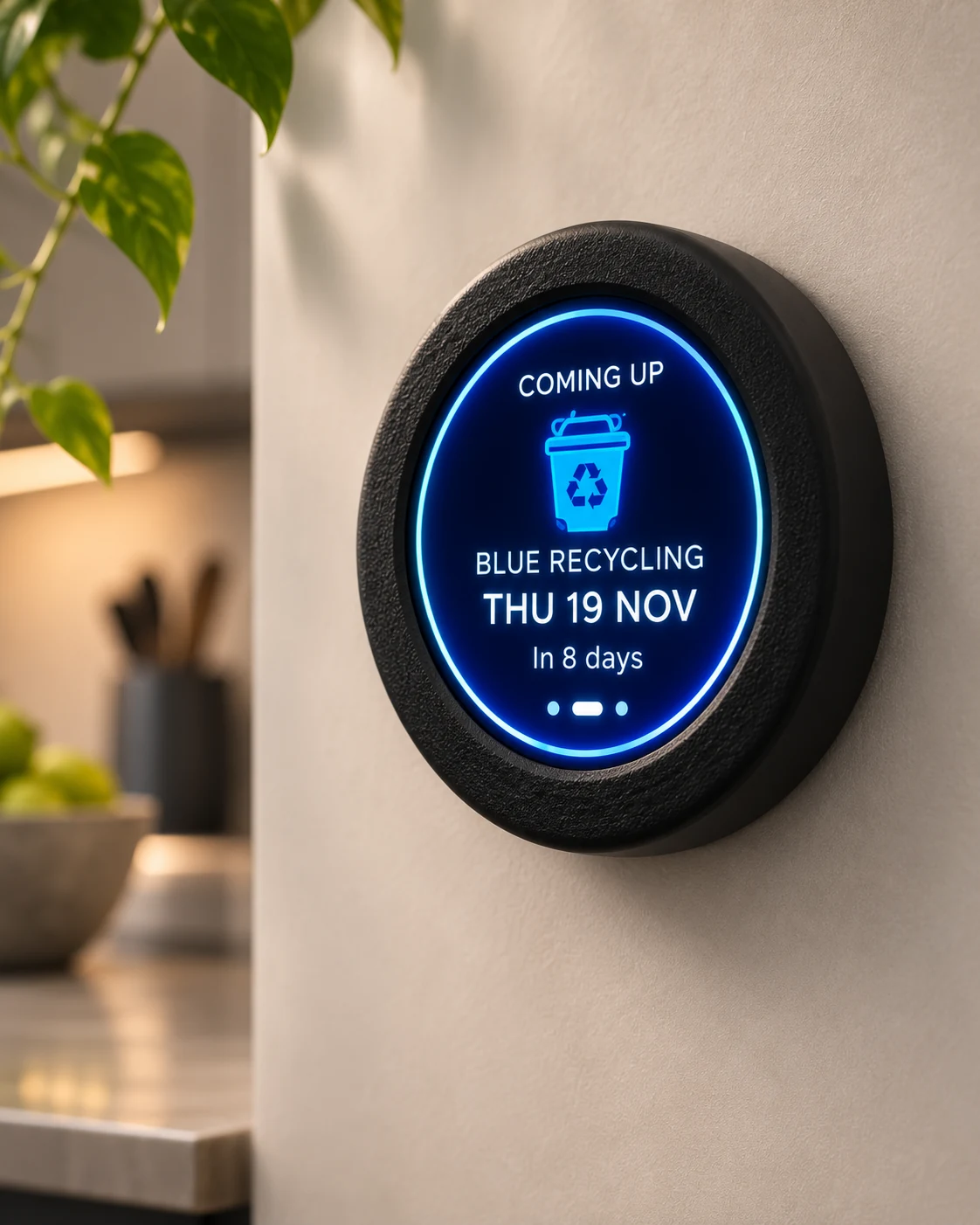
01 / ALWAYS IN THE KNOW
Know what goes out next.
Automatic updates from supported councils, tailored to your address.
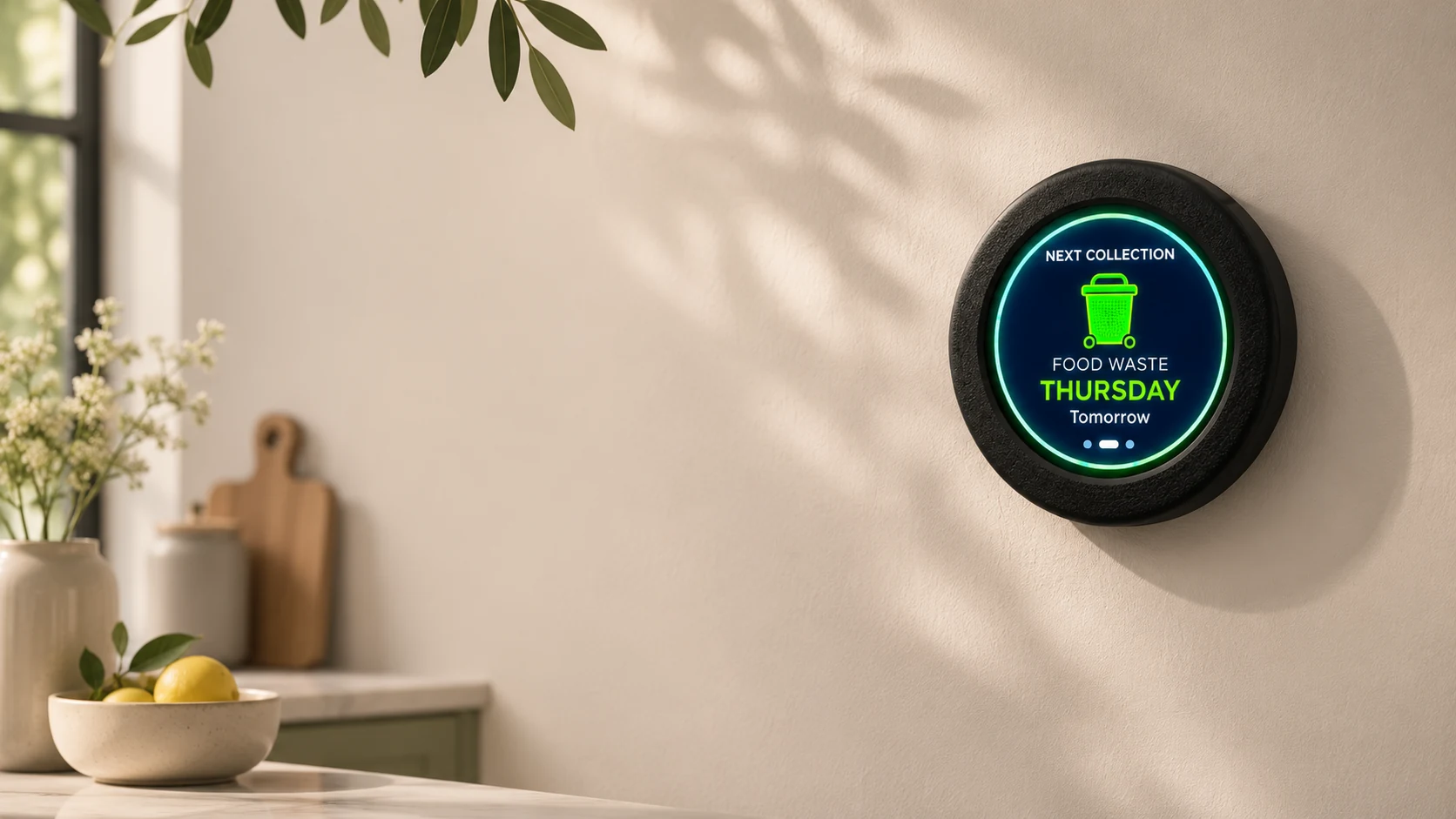
A LITTLE LESS LIFE ADMIN
One less thing to remember.
Meet the little smart display that knows which bin goes out, and when.
Check my postcode ↗THE BEAUTY OF SIMPLICITY
Real council collection dates. A simple, colour-coded display. A gentle reminder when it matters. No daily app, no checking calendars, just a glance.
01 / ALWAYS IN THE KNOW
Automatic updates from supported councils, tailored to your address.
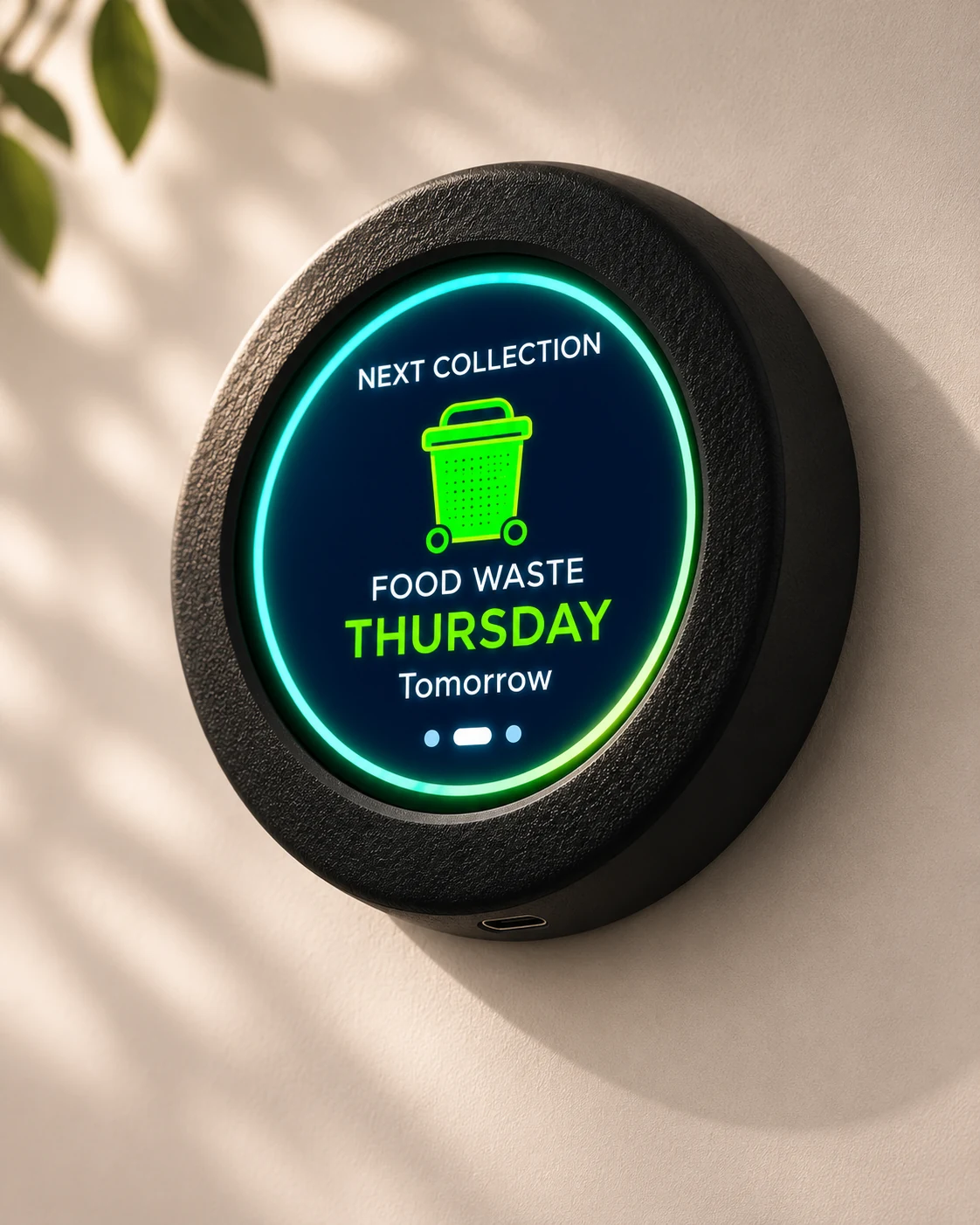
02 / MADE FOR EVERY DAY
Clear reminders, custom colours and no daily phone interaction.
MEET YOUR NEW ROUTINE
From the next collection to the night before, BinQ changes automatically so you know exactly what to do.
Explore bin colours
Collection status
Interactive demonstration · illustrative dates
MADE FOR YOUR HOME
Check your postcode and select your property to see whether your collection schedule is available.
Preview mode — this checker uses sample data, not live council records.
Free to check. No account needed.
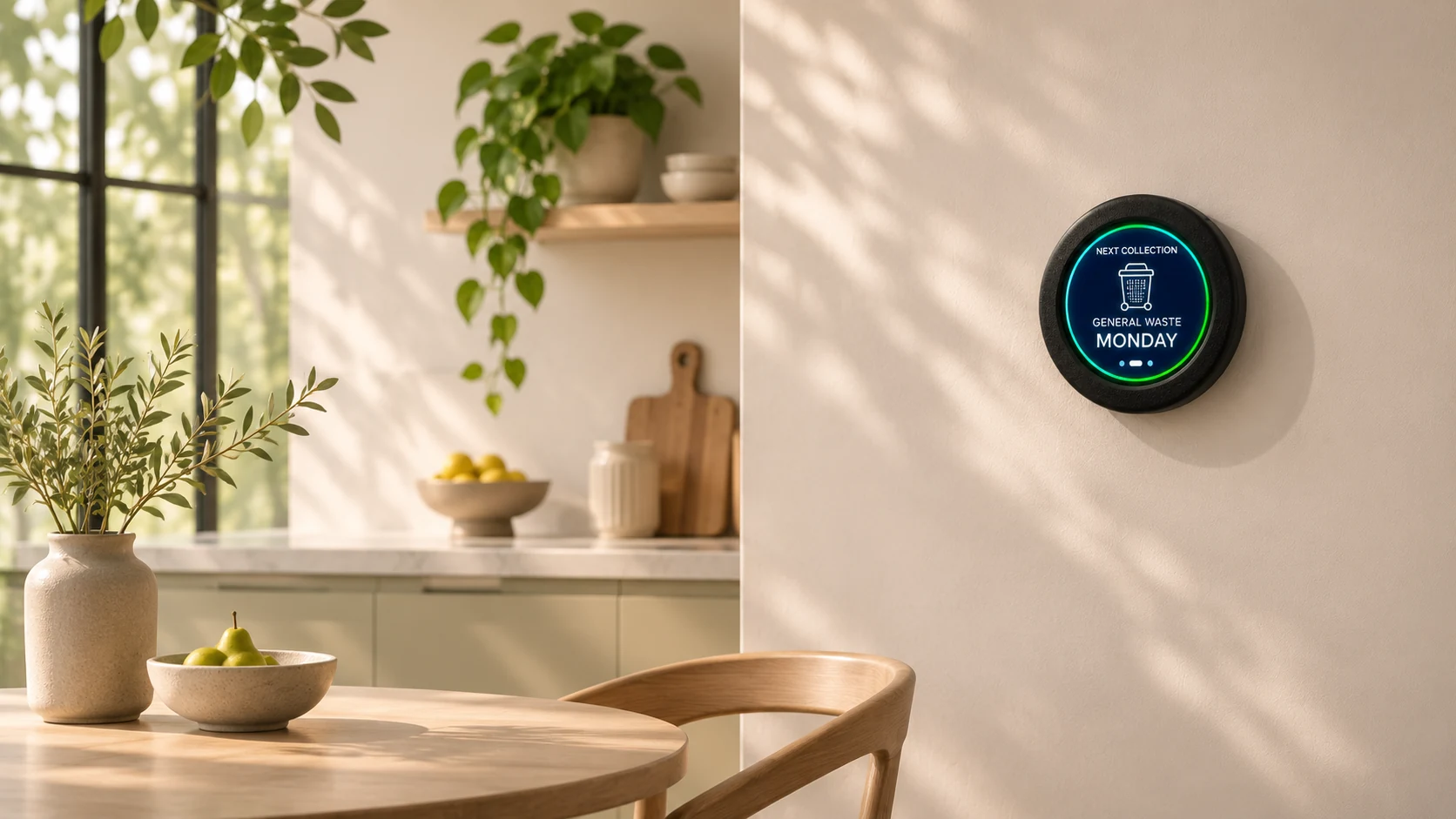
SMALL BY DESIGN
Small enough to blend in, clear enough to read at a glance. Give it a little spot in your kitchen or utility room and make bin day part of your routine.
SIMPLE FROM THE START
Connect BinQ to a suitable USB power adaptor using USB-C.
Scan the on-screen QR code and connect to your home Wi-Fi.
Select your address, bin colours and reminder preferences.
YOUR BINS, YOUR WAY
Different councils. Different bins. Make BinQ match yours with custom colours, names and collection preferences. Adjust the brightness and let it dim automatically at night.
Check your address ↗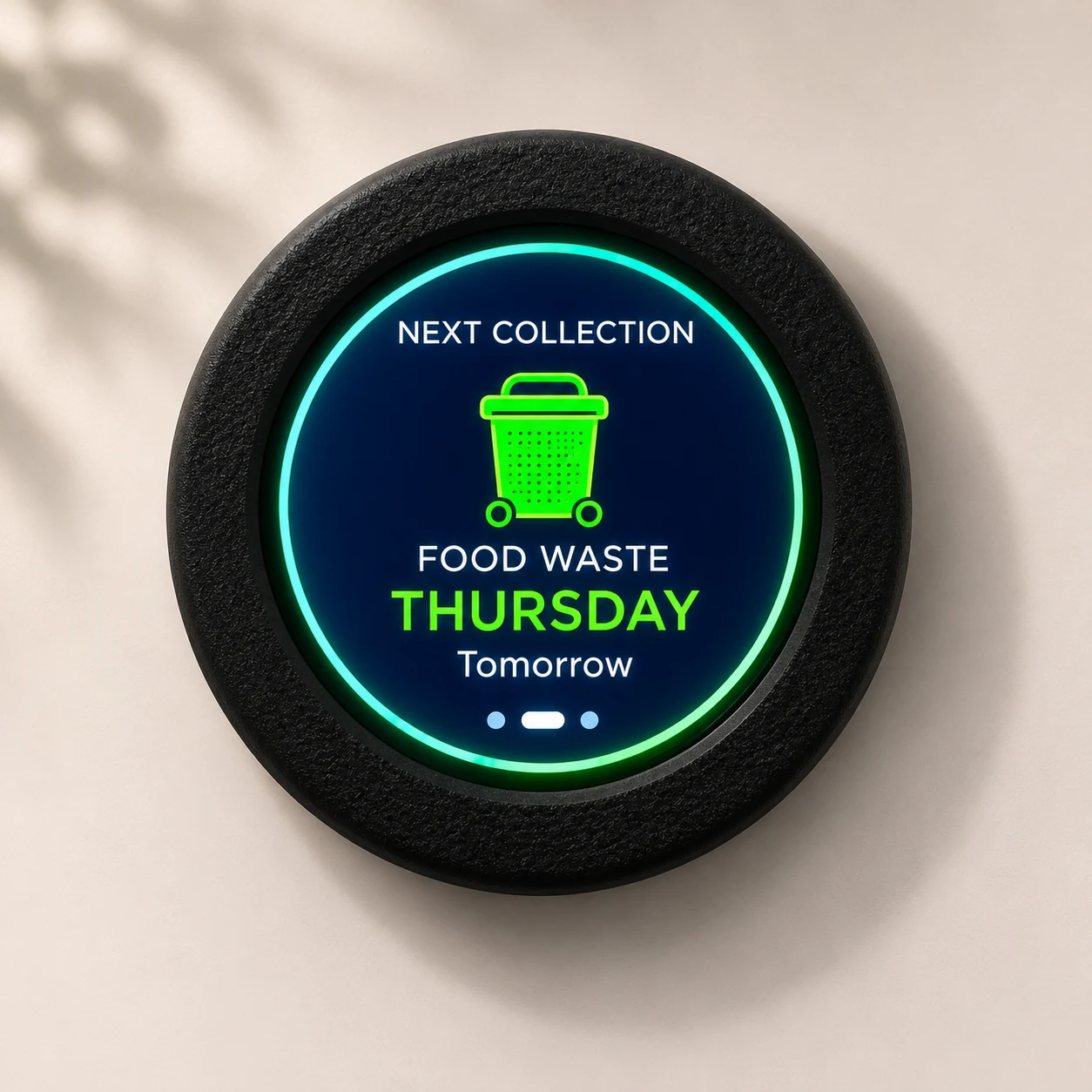
YOUR NEW HOUSEHOLD ESSENTIAL
One less thing to remember.
Our first edition is in development. Check compatibility and find out whether BinQ could work for your home.
Buy now — coming soon ↗Not yet available to order. No payment taken.
GOOD TO KNOW
Coverage is being expanded. Use the compatibility checker before purchasing; a property needs a verified collection schedule.
No daily app is needed. Initial setup uses your phone's browser.
BinQ uses council-published collection dates and refreshes its schedule. Changes depend on the council publishing updated information.
Yes. You can customise names, colours and which collections appear.
Yes, it uses 2.4 GHz Wi-Fi to fetch schedules and synchronise time. Saved schedules can remain available during temporary outages.
BinQ uses continuous USB-C power. The intended design has no internal battery or supplied mains adaptor.